


Picking a code editor feels simple until you actually sit down to work in one every day. The wrong choice slows you down with clunky navigation, missing language support, or a UI that fights you at every turn. The right one disappears into the background and just lets you build.
This guide looks at five editors that web developers actually reach for, from lightweight text editors to full-blown IDEs. Whether you want something free and fast, or you are ready to pay for deeper language intelligence, there is a fit here for your workflow. Now let us look into the top 5 code editors for web development.
1. Visual Studio Code
Visual Studio Code is Microsoft's free, open-source editor built for speed and flexibility. It runs on Windows, macOS, and Linux, and supports nearly every language and framework through its extension marketplace. It works well for quick script edits and full-scale application development alike.
It is ideal for developers at any experience level who want a lightweight editor that can grow into a near-IDE setup through extensions, without ever locking them into a paid plan for the core editing experience.
Key Features
-
IntelliSense code completion, built-in debugging, and an integrated terminal
-
Native Git support plus GitHub integration for pull requests and reviews
-
Extension marketplace with more than 50,000-100,000 add-ons for languages, linters, and frameworks
-
Optional GitHub Copilot integration for AI-assisted coding, billed separately
Ratings
-
G2: 4.7 out of 5
-
Capterra: 4.8 out of 5
Pros and Cons
Pros
-
Completely free for personal and commercial use
-
Huge extension ecosystem covers almost any language or tool
-
Fast startup and low resource use compared to full IDEs
Cons
-
Performance can drop once you load many extensions at once
-
Lacks the deep, out-of-the-box refactoring tools a dedicated IDE offers
Pricing
The core editor is free for personal and commercial use, with no paid tier for editing itself. GitHub Copilot is available as an optional add-on, with a limited free tier and paid plans for unlimited use.
How the Fileion Team Analyzed and Picked This Tool
We evaluated VS Code based on extension ecosystem depth, cross-platform consistency, and how it holds up under real project loads.
2. Sublime Text
Sublime Text is a fast, lightweight text editor known for handling huge files without slowing down. It skips the IDE-style bloat and focuses on raw editing speed, multiple cursors, and a clean interface.
It is ideal for developers who want a distraction-free editor for quick edits, large log files, or projects where startup speed matters more than built-in debugging tools.
Key Features
-
Multiple cursors and simultaneous multi-line editing
-
Go to Anything for jumping to files, symbols, or lines in seconds
-
Powerful search and replace with regular expression support
-
Package Control ecosystem for adding language support and themes
Ratings
-
G2: 4.5 out of 5
-
Capterra: 4.6 out of 5
Pros and Cons
Pros
-
Extremely fast, even with large codebases or huge text files
-
Clean, minimal interface with low memory usage
-
One-time license means no recurring subscription cost
Cons
-
Not open source, so development pace depends on a small team
-
Lacks built-in debugging, so you rely on external tools or plugins
-
Persistent purchase reminders during the free evaluation period
Pricing
A personal license costs 99 dollars as a one-time purchase, covering three years of updates. Business licenses run 65 dollars per seat per year for the first 10 seats. Sublime Text also offers an unlimited free evaluation period, though it periodically prompts you to buy.
How the Fileion Team Analyzed and Picked This Tool
We looked at raw editing performance and license value for developers who prioritize speed over an all-in-one toolset.
3. WebStorm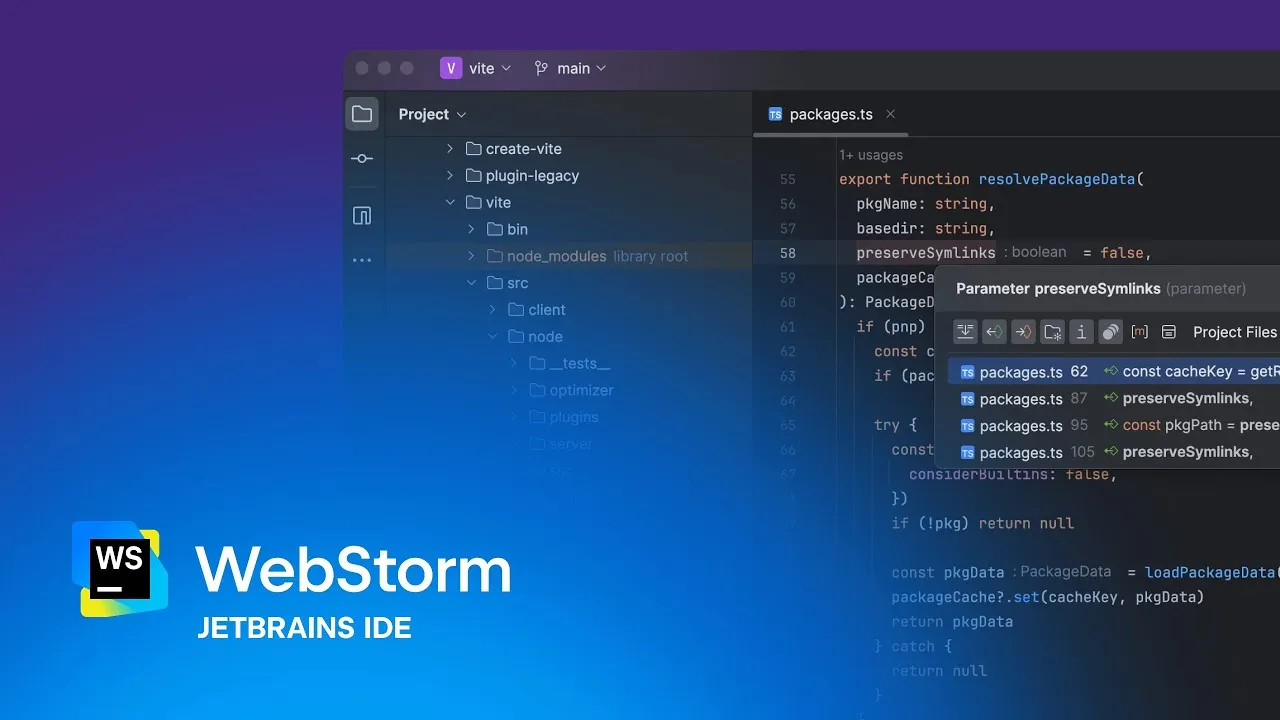
WebStorm is JetBrains' dedicated IDE for JavaScript and TypeScript development. It comes preconfigured with intelligent code completion, refactoring, and debugging tools built specifically around modern JS frameworks.
It is ideal for professional frontend and full-stack developers who want a complete IDE experience out of the box, without spending time assembling extensions to get equivalent functionality.
Key Features
-
Deep code intelligence for JavaScript, TypeScript, React, Vue, Angular, and Node.js
-
Built-in debugger with breakpoints, live edit, and framework-aware inspection
-
Integrated Git support, including easy handling of merge conflicts
-
Project-wide refactoring and symbol renaming across multiple files
Ratings
-
G2: 4.5 out of 5
-
Capterra: 4.8 out of 5
Pros and Cons
Pros
-
Full IDE feature set works immediately with no plugin hunting
-
Excellent Git integration and refactoring tools
-
Now free for non-commercial use, including learning and open source work
Cons
-
Commercial use requires an annual subscription
-
Heavier resource use, with longer indexing on large projects
-
Steeper learning curve without prior JetBrains experience
Pricing
WebStorm has been free for non-commercial use, learning, and open source development since October 2024. Commercial licenses start at around 79 dollars per year for individuals in year one, dropping through continuation discounts later. Team pricing scales with seat count.
How the Fileion Team Analyzed and Picked This Tool
We assessed WebStorm on how much setup time it saves versus an equivalent VS Code configuration, plus its shift toward free non-commercial access.
4. Zed
Zed is a newer, Rust-built code editor designed for raw speed, using GPU-accelerated rendering instead of the Electron framework most editors rely on. It also bakes in real-time collaboration and AI-assisted coding as core features rather than add-ons.
It is ideal for developers who want the fastest possible editing experience, along with built-in pair programming and AI agent support, without juggling separate collaboration tools.
Key Features
-
Native Rust editor with GPU-accelerated rendering for near-instant response
-
Real-time multiplayer editing with shared cursors, chat, and voice, with no extension required
-
Built-in AI agent panel supporting Claude, GPT, Gemini, and local models
-
Edit prediction that suggests full next edits, not just single tokens
Ratings
G2: 4.5 out of 5
BFWAI: 4.4 out of 5
Pros and Cons
Pros
-
Noticeably faster startup and scrolling than Electron-based editors
-
Real-time collaboration built into the core editor
-
Generous free tier, including limited AI edit predictions each month
Cons
-
Extension ecosystem is much smaller than VS Code's, at roughly 800-1000 extensions
-
Smaller community means fewer tutorials and troubleshooting resources
-
Heavy AI agent use can burn through the free monthly credit quickly
Pricing
The core editor is free and open source. The personal plan includes 2,000 accepted AI edit predictions per month plus unlimited use with your own API key. Pro costs 10 dollars per month and adds unlimited predictions plus hosted AI credit. Business is 30 dollars per seat per month for organization-wide policies.
How the Fileion Team Analyzed and Picked This Tool
We evaluated Zed on performance benchmarks and how its built-in AI and collaboration features compare to bolting the same functionality onto other editors.
5. Neovim
Neovim is a free, open-source, terminal-based editor built as a modernized fork of Vim. It is entirely keyboard-driven and configured through Lua, giving developers full control over every part of their editing environment.
It is ideal for developers who are comfortable working in a terminal and want to build a highly customized, fast, keyboard-first setup rather than use an editor with a fixed interface.
Key Features
-
Built-in Language Server Protocol client for code intelligence without extra runtimes
-
Native Tree-sitter integration for accurate syntax highlighting and code navigation
-
Lua-based configuration for building a fully custom editing environment
-
Plug ecosystem including AI tools like avante.nvim and copilot.lua
Ratings
-
G2: 4.3 out of 5
-
GitHub: 102k stars
Pros and Cons
Pros
-
Completely free and open source
-
Extremely fast startup and low memory usage
-
Fully customizable through Lua configuration and plugins
Cons
-
Steep learning curve, especially for developers new to modal editing
-
Requires manual setup to reach IDE-level functionality
-
Configuration can become complex to maintain over time
Pricing
Neovim is completely free and open source, with no paid tier at any level.
How the Fileion Team Analyzed and Picked This Tool
We looked at how much genuine control Neovim offers in exchange for setup effort, against editors that trade customization for convenience.
Comparison Table
|
Software |
Best For |
Platform |
Price |
Fileion Rating |
|
Visual Studio Code |
All-round web development |
Windows, macOS, Linux |
Free |
4.7/5 |
|
Sublime Text |
Fast, lightweight editing |
Windows, macOS, Linux |
Free trial, $99 one-time |
4.5/5 |
|
WebStorm |
Full JavaScript and TypeScript IDE |
Windows, macOS, Linux |
Free (non-commercial), from $79/year |
4.4/5 |
|
Zed |
Speed, AI, and live collaboration |
macOS, Linux, Windows |
Free, $10/month Pro |
4.6/5 |
|
Neovim |
Full keyboard-driven customization |
Windows, macOS, Linux (terminal) |
Free |
4.3/5 |
Final Verdict
There is no single best editor here, only the best fit for how you work. If you want a single editor that supports almost any language at zero cost, Visual Studio Code remains the safest default. If raw speed on large files matters more than an extension marketplace, Sublime Text still holds up well.
Developers working daily in JavaScript or TypeScript will get the most value from WebStorm's built-in intelligence, especially now that it is free for non-commercial use. If you want a glimpse of where editors are heading, with native performance plus built-in AI and collaboration, Zed is worth a look. And if you live in the terminal and want total control over your setup, Neovim rewards the time you invest in configuring it.
FAQs
What is the best free code editor for web development?
Visual Studio Code is the most widely used free option, thanks to its extension ecosystem. Neovim and Zed are also fully free and open source.
Is Zed better than VS Code?
Zed is faster and includes built-in AI and collaboration tools, but VS Code has a far larger extension library. The better choice depends on whether raw speed or ecosystem breadth matters more to you.
Which editor is best for large files?
Sublime Text handles very large files without lag, making it a strong pick for developers who regularly work with big logs or datasets.
Do I need to pay for WebStorm?
Not if your use is non-commercial, educational, or open source. Commercial use requires a paid subscription.
Is Neovim worth learning?
If you want full control over your editing environment and don't mind a learning curve, yes. It rewards the time you invest with a fast, fully personalized setup.


